
Gestion comercial
Estimates, invoices, sales receipts y tickets conectados al cliente y al flujo de venta.
 SmartQuote
Pro
SmartQuote
Pro
Business operating ecosystem
Gestiona operaciones, clientes, productos, invoices, workflows y equipos en un solo ecosistema. Conecta proveedores externos de IA con SQP Copilot Bridge cuando tu empresa lo necesite.
 Software principal
SQP Software
Para Windows, laptop, MacBook y tablet.
Instalacion PWA desde el navegador compatible.
Detectando sistema...
Listo para descargar
Software principal
SQP Software
Para Windows, laptop, MacBook y tablet.
Instalacion PWA desde el navegador compatible.
Detectando sistema...
Listo para descargar
 Terminal movil
SQP Terminal
Para dispositivos verticales Android con Tap to Pay / NFC.
PWA movil: /sqp-terminal-app/
Detectando sistema...
Listo para descargar
Terminal movil
SQP Terminal
Para dispositivos verticales Android con Tap to Pay / NFC.
PWA movil: /sqp-terminal-app/
Detectando sistema...
Listo para descargar
Infraestructura operativa para negocios que necesitan orden, contexto y escala
Core business ecosystem
SmartQuote Pro centraliza documentos, clientes, productos, flujos, metricas y pagos para que la empresa trabaje con una sola fuente de verdad.
Estimates, invoices, sales receipts y tickets conectados al cliente y al flujo de venta.
Productos, servicios, precios, gastos y margen real como base de cada decision operativa.
Procesos guiados para crear, aprobar, cobrar, imprimir, descargar y dar seguimiento.
Metricas y salud del negocio para ver donde actuar sin perder tiempo entre herramientas.
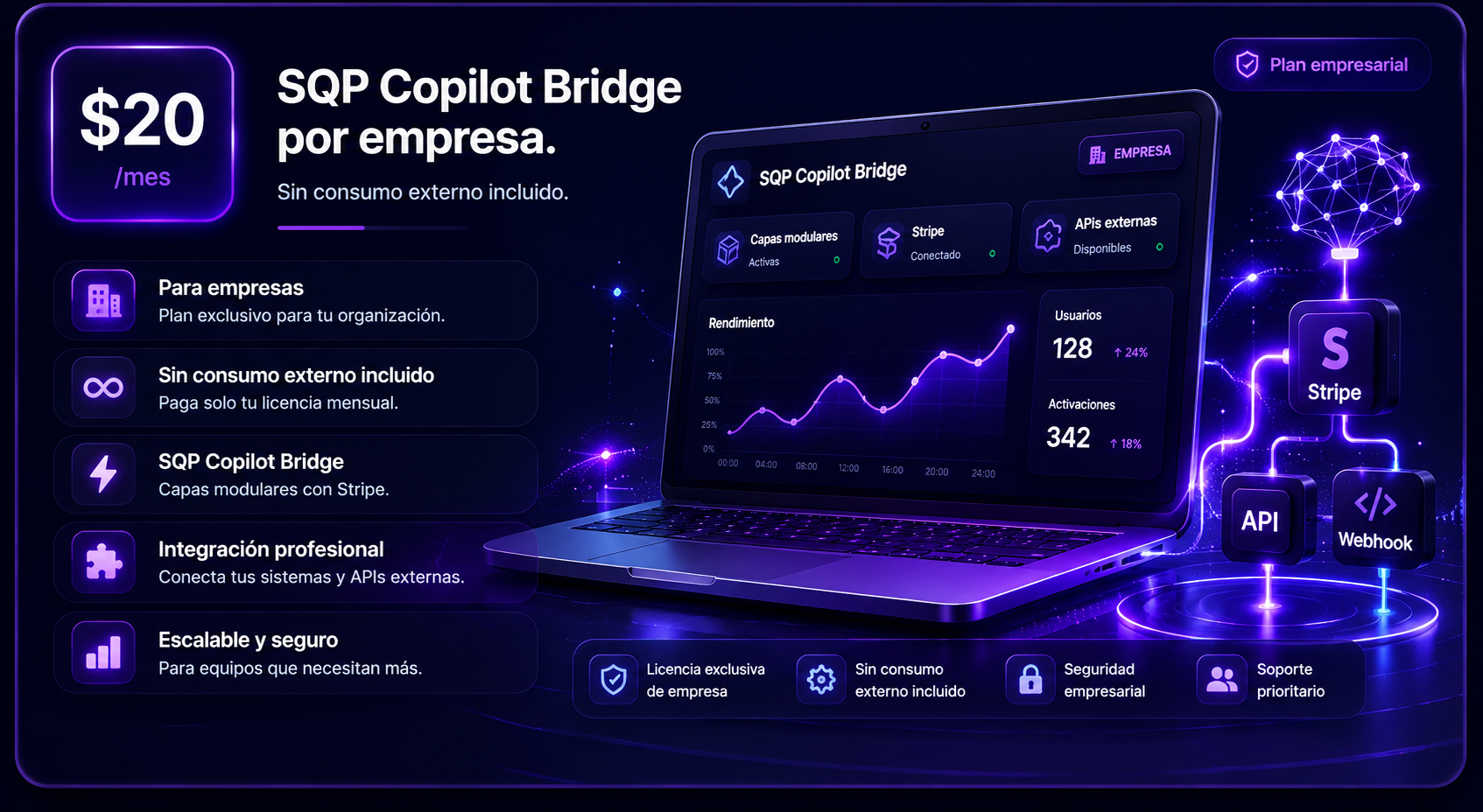
SQP Copilot Bridge
Conecta proveedores externos de IA usando tus propias credenciales API. SQP Copilot Bridge funciona como una capa modular para asistencia contextual dentro del ecosistema operativo.
SmartQuote Pro no implica partnership con proveedores de IA. El Bridge no incluye consumo, tokens, creditos, modelos ni suscripciones externas.
Operational intelligence
La asistencia trabaja con informacion que la empresa decide conectar dentro del ecosistema.
Procesos de venta, aprobacion, billing y delivery con pasos claros y reutilizables.
Dashboards, margen, gastos, inventario y salud del negocio como senales de accion.
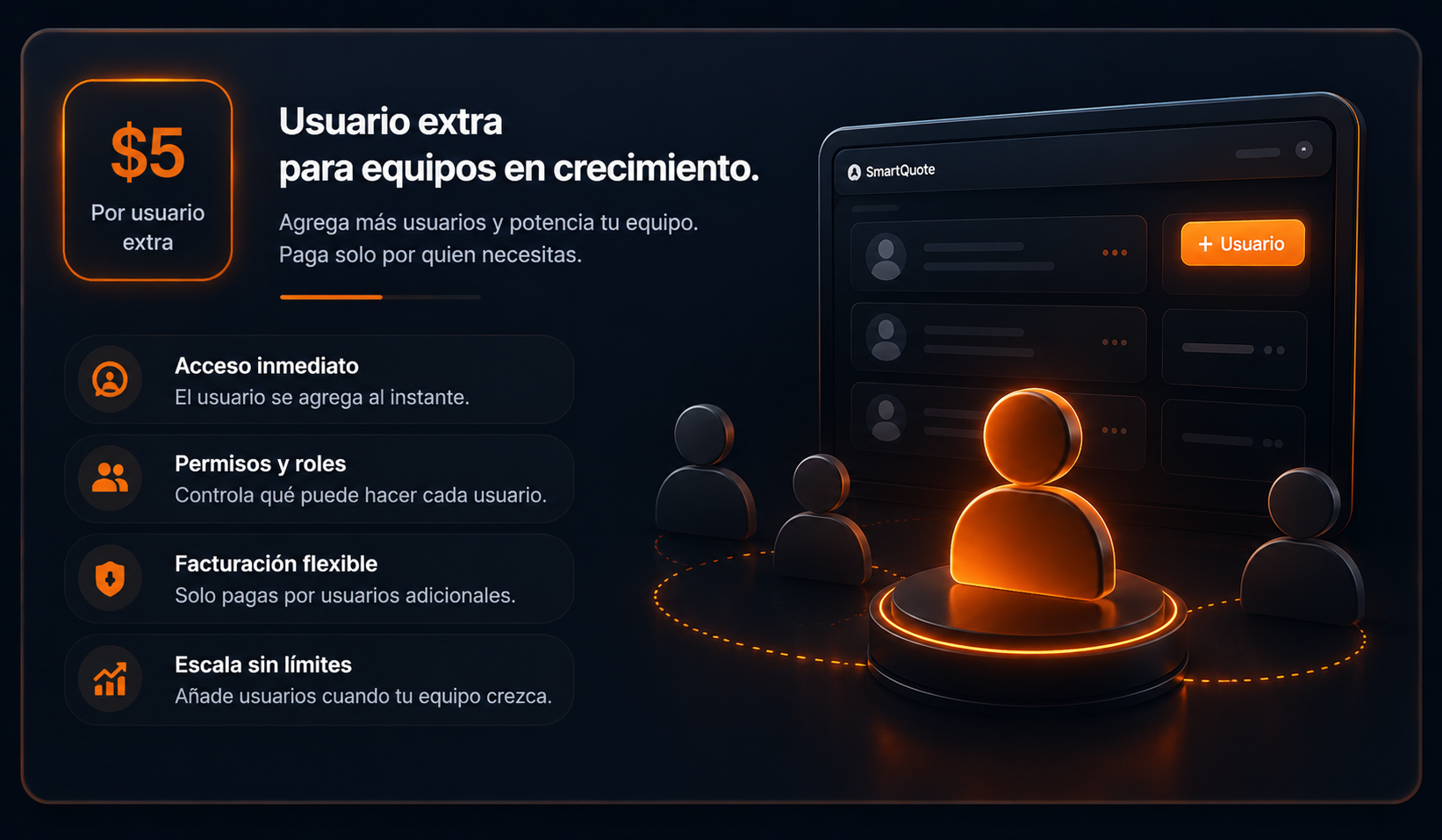
Usuarios, roles y workspace compartido para operar sin depender de una sola persona.
Billing con Stripe hoy y base preparada para Tap Pay y pagos moviles futuros.
Conecta OpenAI, Claude, Gemini u otros proveedores externos con credenciales propias.
Una interfaz limpia, densa cuando hace falta y preparada para trabajo operativo diario.
Equipos, empleados y administradores trabajando sobre el mismo contexto empresarial.
Stripe, billing conectado y camino hacia Tap Pay, pagos moviles y flujos de cobro.
Una base modular para automatizacion, integraciones y nuevas capas de inteligencia.
Platform evolution
Capas disponibles, activas y siguientes pasos de la plataforma, organizadas para que el crecimiento sea claro y medible.
Clientes, productos, estimates, invoices, sales receipts, gastos, pagos, documentos y workspace privado para operar el negocio.
SQP Copilot Bridge permite conectar proveedores externos usando credenciales propias de la empresa.
Contexto autorizado, metricas, salud del negocio y asistencia basada en datos reales del workspace.
Version movil completa, PWA, billing escalable, usuarios extra y nuevos flujos de cobro.
Modelo claro y modular
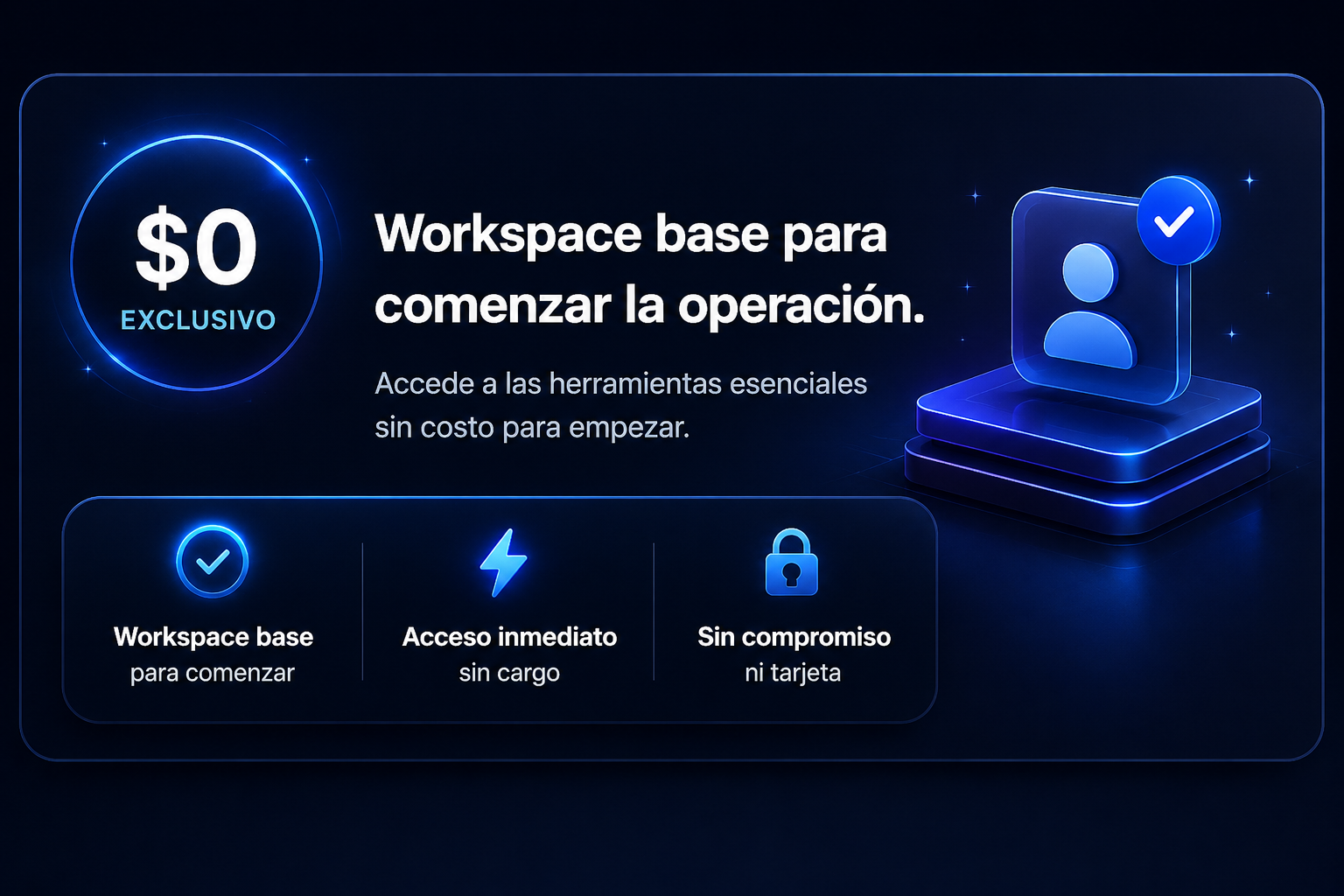
La empresa entra sin friccion. Los usuarios extra y SQP Copilot Bridge se activan como capas modulares a traves de Stripe.
Crea estimados, invoices, productos y calculos profesionales en un espacio privado.
Usa el mismo nombre y Gmail con el que creaste tu demo.
SmartQuote Pro
Sales & Invoice Workflow
Resumen inteligente del rendimiento de tu empresa
Ventas cobradas por periodo, con lectura visual tipo mercado.
Pagadas 0 (0%)
Pendientes 0 (0%)
Parciales 0 (0%)
Vencidas 0 (0%)
Canceladas 0 (0%)
La información aparecerá cuando conectemos los documentos del sistema.
1Producto principal$0.00
2Servicio destacado$0.00
3Producto recurrente$0.00
4Soporte técnico$0.00
5Otros servicios$0.00
Documentos0+0%
Clientes0+0%
Productos0+0%
PaÃÂÂÂÂses0+0%
Tu empresa mostrará su estado financiero cuando conectemos ventas, gastos y cobros.
0/100 Sin datosSin datos suficientes todavia.
Administra tu espacio, personalizacion y acceso.
Informacion real de tu acceso y empresa activa.
Pausa temporalmente la empresa sin borrar documentos, tickets ni configuraciones.
Eliminar una cuenta debe hacerse con doble confirmacion para proteger toda la informacion guardada.
Choose a module from the menu to create estimates, invoices, products, delivery charges and exports.
SmartQuote Pro